
Event staffing software: one crew pool across every client project
Saturday. Forty of your crew are at the arena, twenty-five at a conference dinner, twelve at a private event, and one of them has said yes to two of those. In a staffing company everything rests on the record that says where each person is and what they are owed. This page is for the company that supplies crew to other people's events.
Who this is for
Staffing agencies and service companies supplying event crew, security, bar and F&B staff, hosts or technical crew to several clients, often on the same day. The clients own the events. You hold the crew, the contracts and the hours.
How it is built
One crew pool
Every person is one record on your account, whichever clients they work for: profile, contact details, competence with proof and expiry, allergies, clothing sizes and contract history. New crew come in through a public registration form, with a manager's review if you set it up that way. Someone already active just takes the next shift, and someone suspended or removed comes back on the same record. A new contract is a manager's step.
A project per client event
Shifts and sessions are tied to a project, and session exports run per project, so the arena, the dinner and the private event stay apart in one workspace. Shift roles are defined once on the account and used on every project.
Groups for how you organise crew
A person has one home group, which sets the default worker type and overtime policy, and the hourly rate sits on the person. A shift can be worked for another group, so hours and overtime follow that group; a different rate needs an override on the session. A group can also be the client's own crew, so their members, shifts and hours can be exported together.
Across every client, at the same time
Overlaps are blocked account-wide
Every assignment, signup, approval and import is checked for overlap across all client projects on the account. A self-signup that would overlap is refused. A manager's assignment that would overlap is blocked. Rest below the account's minimum stops a self-signup; when a manager assigns directly, it gives a warning they can override. The double booking from the lede surfaces when the second shift is assigned, not when two clients call on Saturday.
One schedule per person
Crew see one list of upcoming shifts across every project they are on, pick open shifts from their own page, and see a reason on shifts that overlap or leave too little rest. Full shifts and shifts they are too young for are not offered.
Clock-in wherever the shift is
With QR clock-in on, a code for the shift by email, scanned by a manager on arrival at the client's site, or a manager clocks the person in directly. Each session is tied to its shift, project and group when there is one.
Contracts by worker type
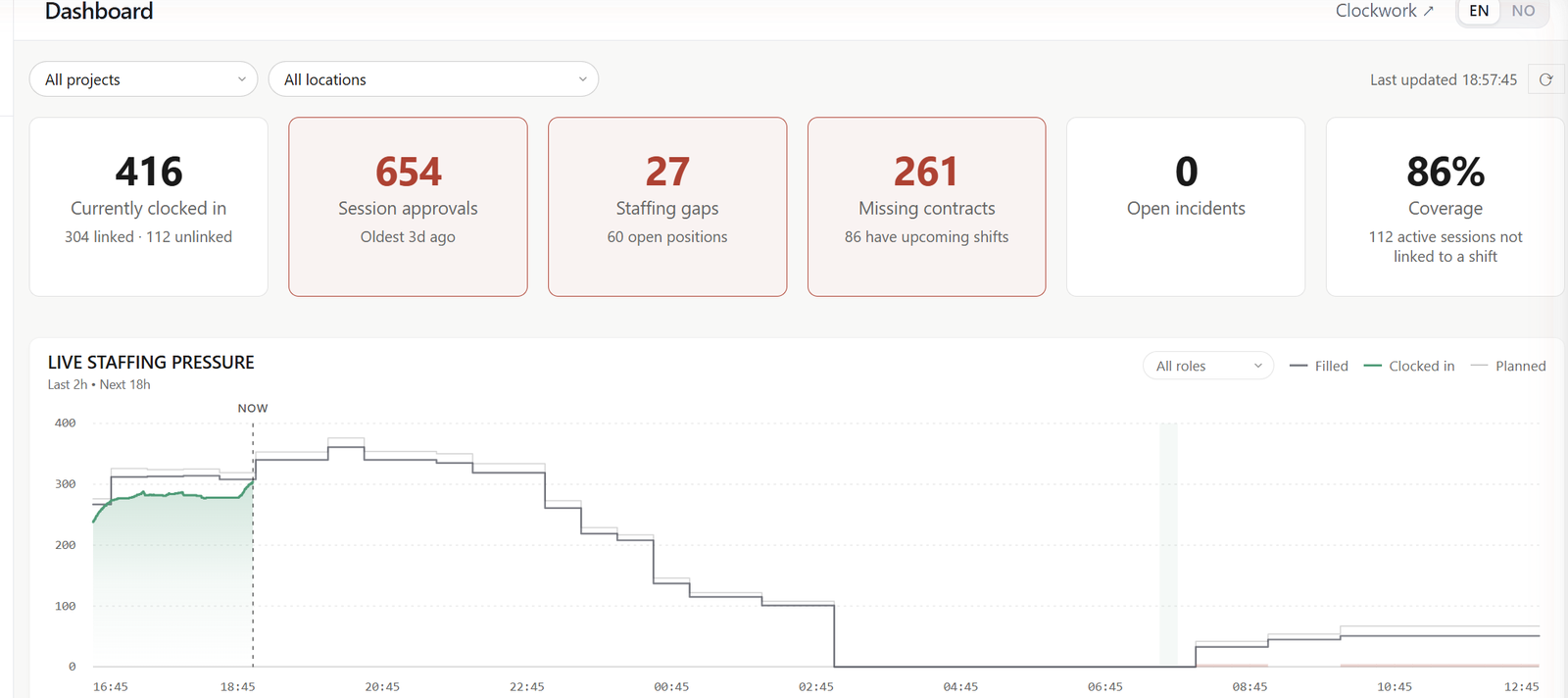
Employment, freelance and volunteer agreements are generated from your own templates and signed by link, without logging in. The form a person registers through sets the group and worker type; a manager then picks the contract template, with a suggestion based on worker type, and the template sets the language. The dashboard counts who has no signed contract and how many of them have shifts ahead.
Hours, approval and export
A manager corrects a session while the original times stay on record next to the correction. Sessions wait for approval, unless you have turned on automatic approval. The payroll export takes only approved sessions by default, and that choice can be turned off for an export. It is three CSV files (payroll, summary and sessions), downloaded singly or as a ZIP, for the whole pool or for the groups you choose. Session exports exist per project and per group, as CSV and PDF. These are exports; there is no payroll integration.
What you need
A Workforce plan. Incidents is included. Ops is for the production side of an event (suppliers, deliveries, vehicles, accreditation, the production plan) and is not what a staffing company needs for the flow on this page.
See it on your own operation.
Tell us how your events run and we'll show the flow on your real crew size and calendar.